Managed Microsoft 365

Unlock Maximum Efficiency with Microsoft M365 Copilot: Your Comprehensive Guide to AI-Driven Productivity. Available Nov 1, 2023.

Unlocking Success with Microsoft M365 Copilot: A Comprehensive Guide and Tips for Maximum Efficiency

In the era of Artificial Intelligence (AI), Microsoft, along with numerous other companies, has been relentlessly pursuing the goal of creating groundbreaking and successful AI-driven products.  According to an IBM report, currently, 35% of businesses have incorporated AI into their operations, while 42% are actively exploring its potential for future implementation. This statistic underscores the […]

Unlocking Success with Microsoft M365 Copilot: A Comprehensive Guide and Tips for Maximum Efficiency Read More »

How to Change Default Browser in Outlook

How to Change Default Browser in Outlook: A Step-by-Step Guide

Microsoft has announced an important change to how web links are opened within the Outlook 365 application for Windows devices. Starting with Outlook Build 16.0.16227.20280 and newer versions, Microsoft Edge will be set as the default browser for opening web links clicked within the Outlook app. Previously, when clicking a web link in Outlook, it

How to Change Default Browser in Outlook: A Step-by-Step Guide Read More »

A man sits at a desk in a dark office, working on multiple monitors displaying data. Text reads: "Safeguard Your Data and Network from Ransomware with Microsoft 365. Discover the Robust Network and Data Protection Offered by Microsoft 365 against Ransomware.

Safeguard Your Data and Network from Ransomware with Microsoft 365

Defending against ransomware is crucial in today’s digital landscape. Ransomware, a constant and serious threat in the digital landscape, encrypts files on a victim’s computer or network until a ransom is paid. It is essential to recognize the severity of this cybercrime rather than dismissing it as a minor inconvenience. Furthermore, there is no guarantee

Safeguard Your Data and Network from Ransomware with Microsoft 365 Read More »

Benefits of the Microsoft 365 E5 License Bundle

M365 E5 Features: 5 Hidden Benefits of the Microsoft 365 E5 License Bundle

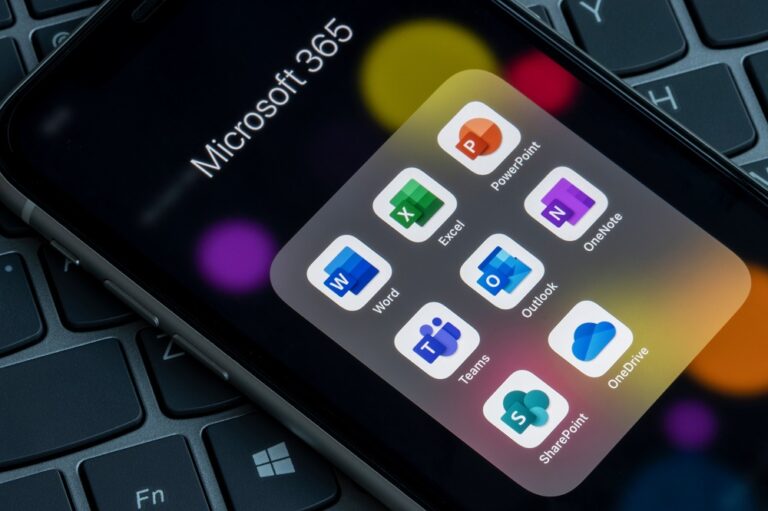
The original Office 365 Licensing packages focused on layering Microsoft’s collaboration tools to their end users. Instead of just an email service, OneDrive added personal storage, SharePoint provided the company intranet, and Teams provided the collaboration workspace for users to come together and share ideas. These services were the core of the Microsoft offering. Additional

M365 E5 Features: 5 Hidden Benefits of the Microsoft 365 E5 License Bundle Read More »

Together, we make it happen

Tell Us About Your Project.

Don’t hesitate to reach out. Our specialists are ready to help transform your business.